 CaptureXRecCaptureXRec
For any Windows PC
The same install runs on Windows 10 back to the 1809 update and on Windows 11, on both x64 and ARM64 hardware — no separate build to track down for an ARM laptop.
Region, window, full-screen, a scrolling page, or a timed shot — all five capture shapes live behind the same always-on-top widget, so the right shape is never more than a click away.
Flip the same widget to recording mode and it saves straight to MP4 with H.264 video and AAC audio — an open, standard format any player opens without a conversion step.
The floating widget that drives every capture excludes itself from every screenshot and recording it produces, so the file that comes out is the screen alone — never the control you clicked.
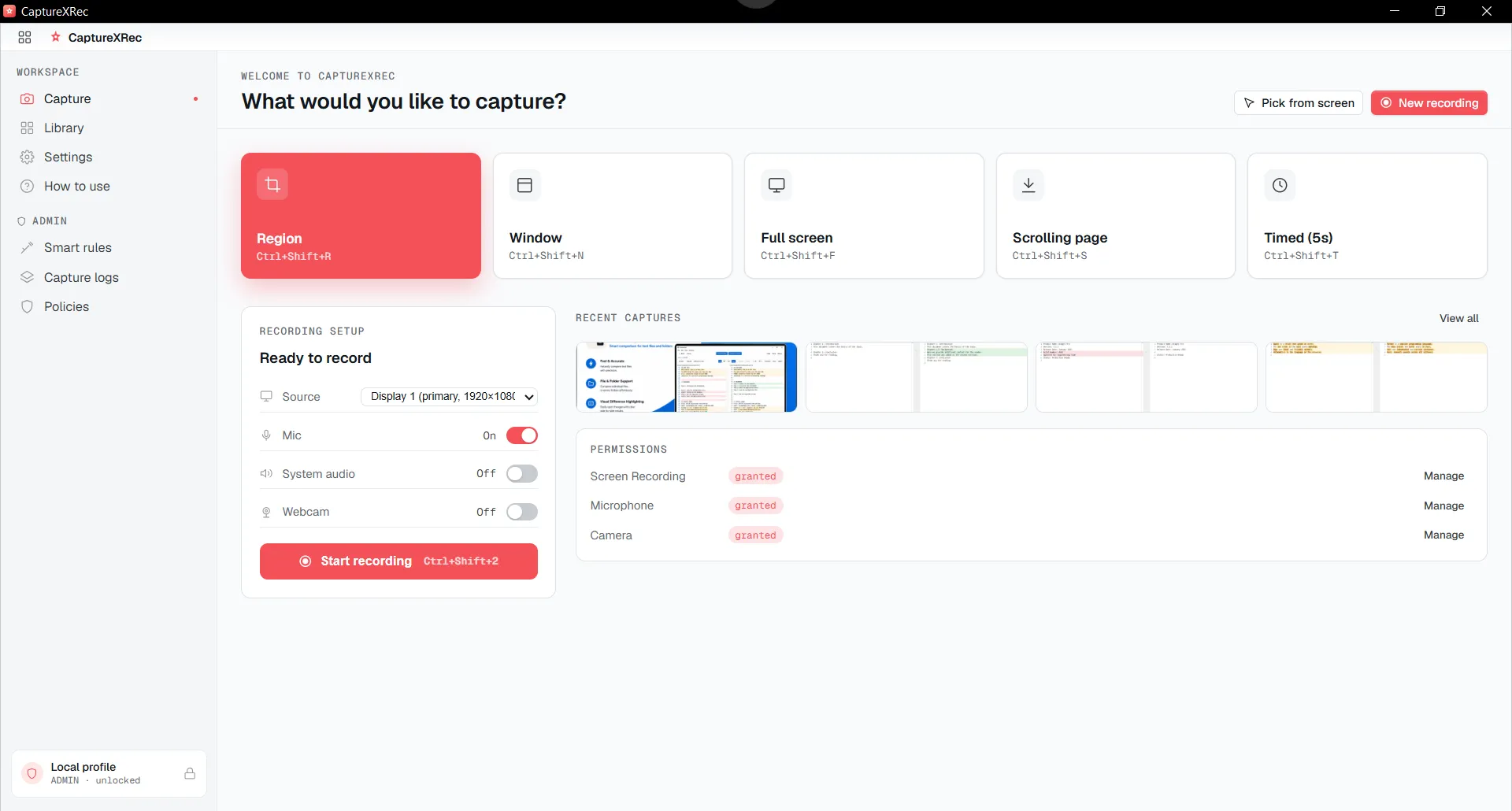
Five capture shapes live behind one widget — pick whichever matches what’s on screen.
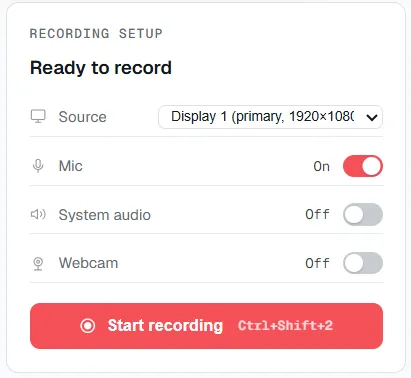
The same widget flips to recording mode and saves out as ordinary MP4 — H.264 video, AAC audio.
Bring the widget forward with a rebindable global shortcut, without alt-tabbing away from whatever is already on screen.
Choose region, window, full-screen, a scrolling page, or a timed shot — or flip the widget over to record video instead.
Point it at the window, region, or screen to use, and confirm — the same widget runs identically whether the machine is x64 or ARM64.
The file lands in the library and on disk as MP4 or PNG, and the widget that took it is nowhere in the frame.
Supported on
Windows 10 (1809+) · Windows 11 · x64 · ARM64
Yes — it runs on Windows 10 from the 1809 update onward and on Windows 11, and it runs natively on both x64 and ARM64 hardware, with no emulation layer.
No — there is no account and no sign-in step. Install it and the widget is ready to use.
MP4, with H.264 video and AAC audio — a standard format that opens in any player without converting it first.
No — the widget is excluded from every capture and recording it makes, screenshot or video, so it never appears in the result.
$12.49, once.
Buy on Microsoft Store — $12.49