 CaptureXRecCaptureXRec
Nothing added, ever
What saves to disk is your screen and nothing else the app put there — no watermark, no badge, no burned-in overlay, on every recording, without exception.
A screenshot comes out the same way a recording does: the floating widget that took it excludes itself from the frame, so the file is the screen alone, never a mark the app added.
A recording keeps going for as long as you want it to — there's no set number of minutes it cuts off at.
Anything drawn on a capture comes from the annotation layers you placed there, and because they're layers, they can still be taken back off afterward.
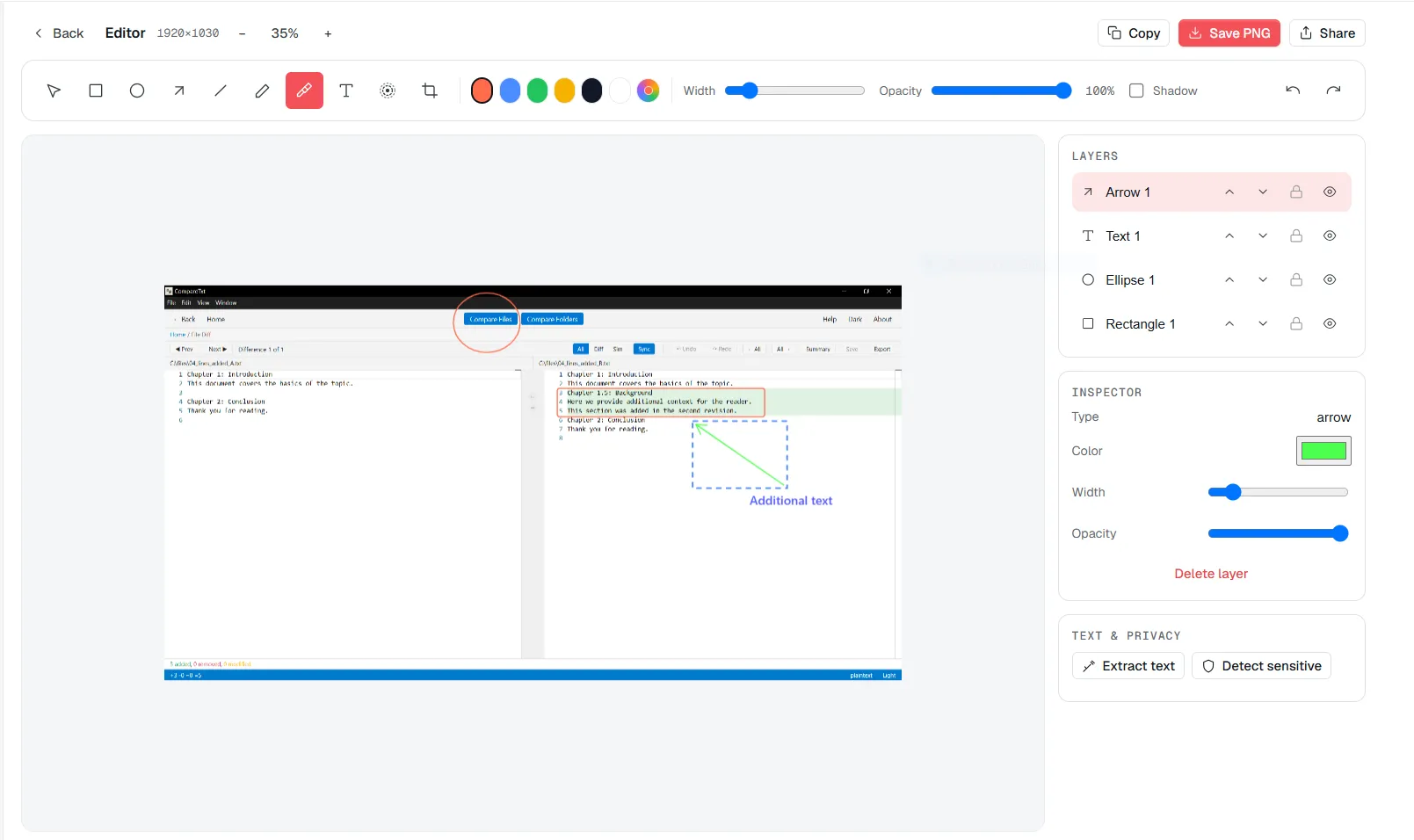
Every mark on this image is a layer you added — and layers come back off, because they never merged into the picture.
Take a screenshot or start a recording from the always-on-top widget, same as any other capture.
Draw, highlight or number the parts that matter — or skip this step entirely and the file carries nothing extra.
The exported MP4 or PNG holds your screen and any layers you chose to add, and nothing else.
Supported on
Windows 10 (1809+) · Windows 11 · x64 · ARM64
No — recordings come out with nothing added: no watermark, no badge and no burned-in overlay, on every recording, without exception.
No — screenshots carry nothing added either; what's on the file is what was on your screen, plus anything you chose to mark up yourself.
No — there's no set number of minutes a recording cuts off at; it keeps going as long as you want it to.
Yes — recordings save as standard MP4 (H.264 video, AAC audio) and screenshots save as PNG, both of which open in any player or image viewer without converting them first.
$12.49, once.
Buy on Microsoft Store — $12.49